

Support 24/7: (+91)-9789446204 (+91)-8825997098 (+91) 9445556204

Features

  • Brushless motor for precise control
  • 1:5 LED Contra Angle Handpiece for stability
  • Ergonomic design for comfort
  • Internal water spray system for cooling
  • Versatile usage across procedures
  • Incorporates advanced technology

Description

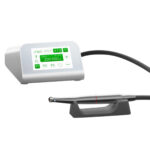
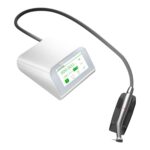
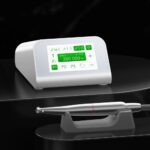
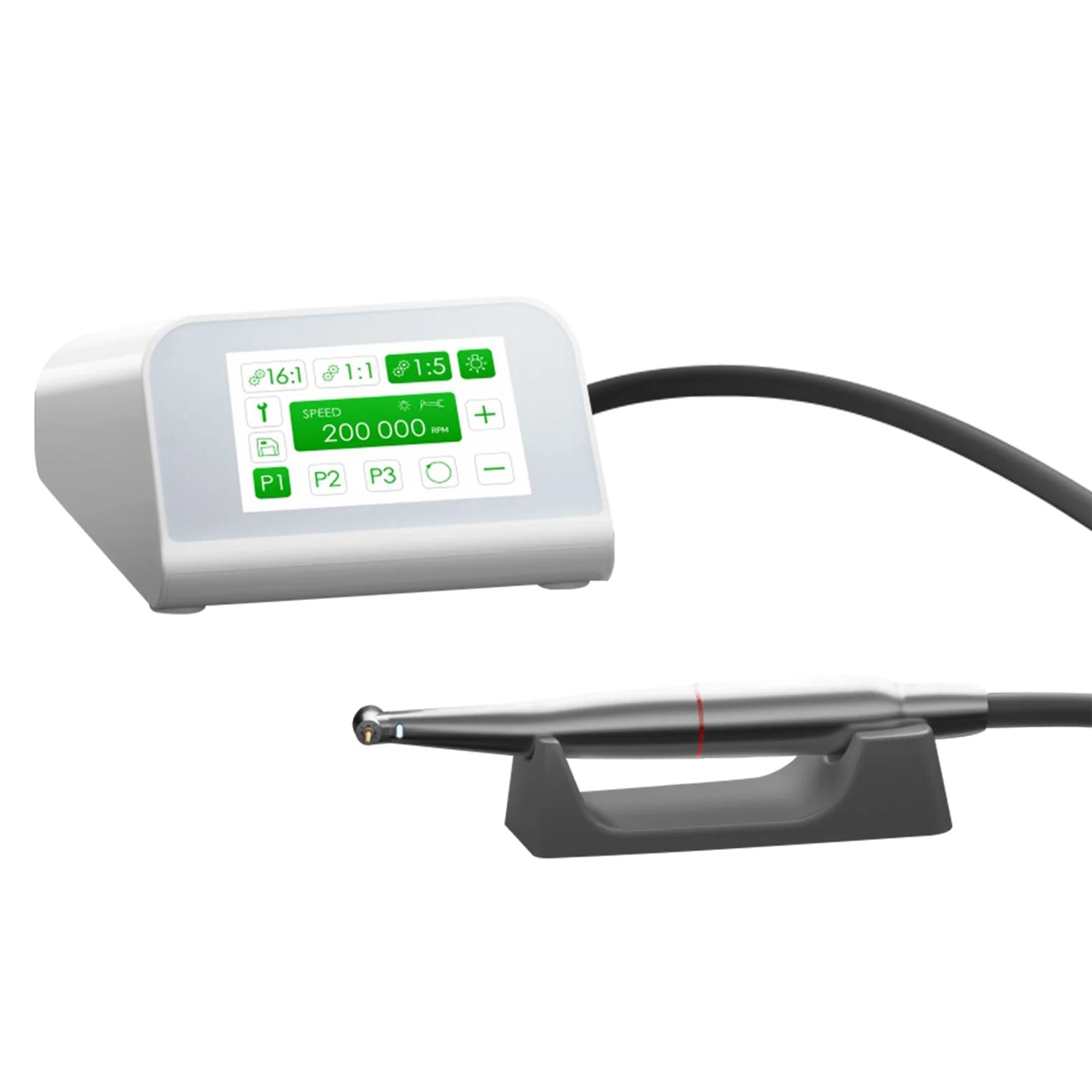
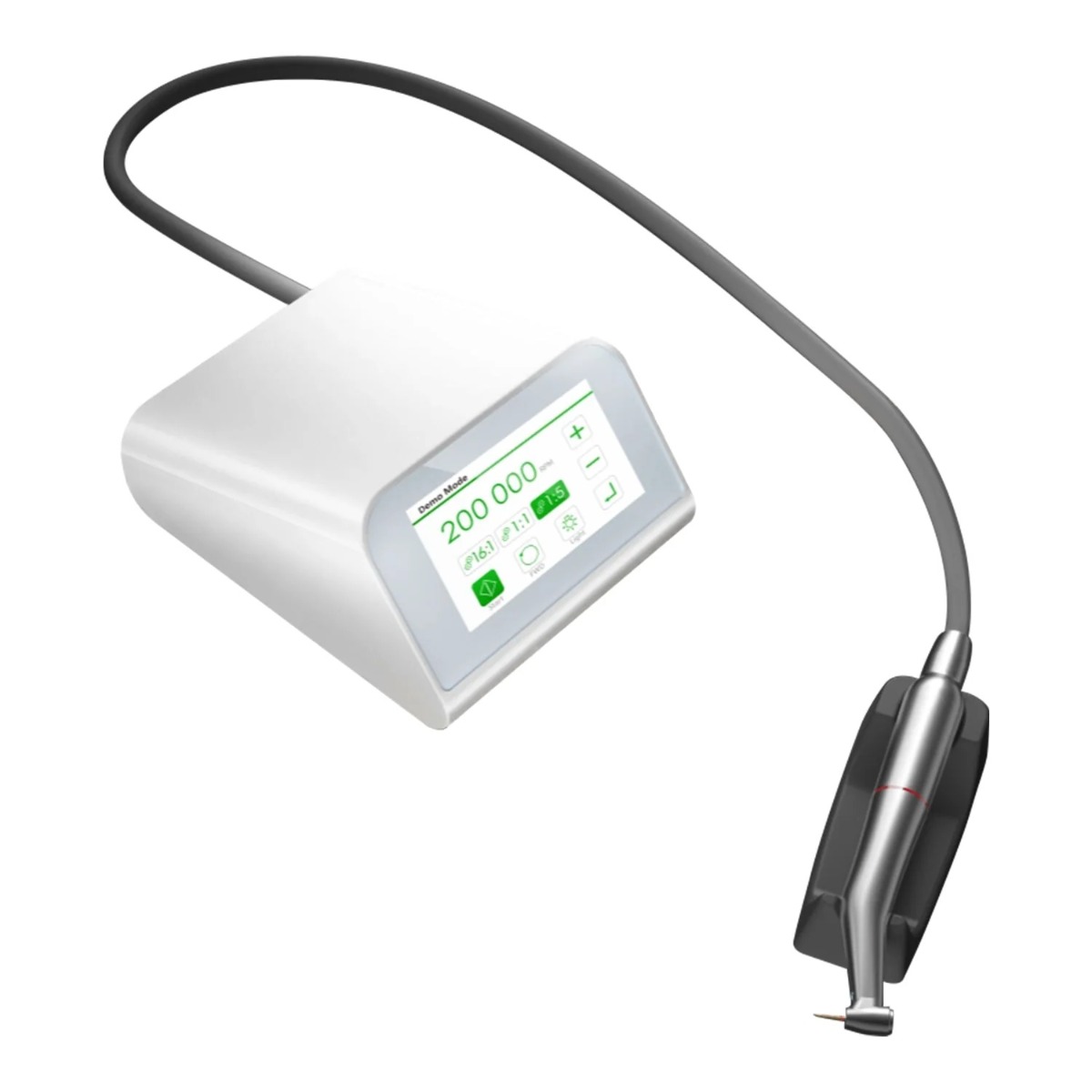
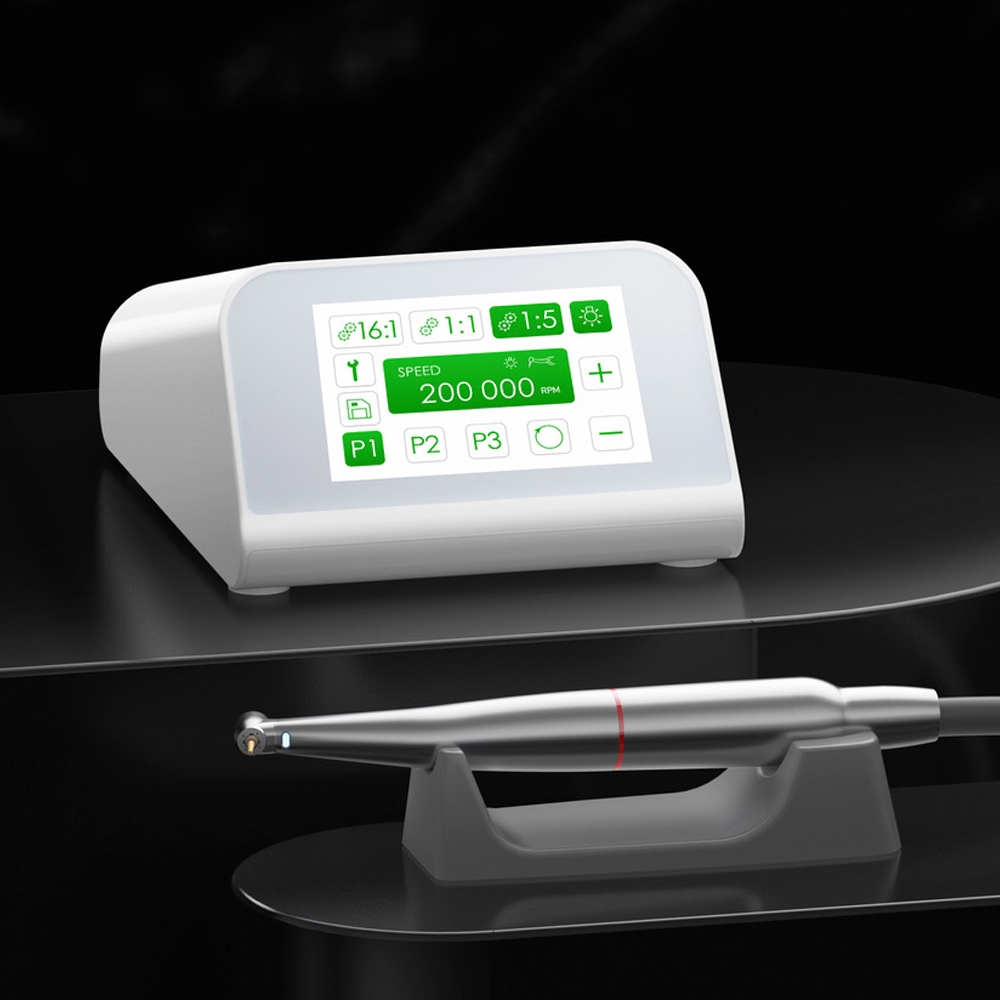
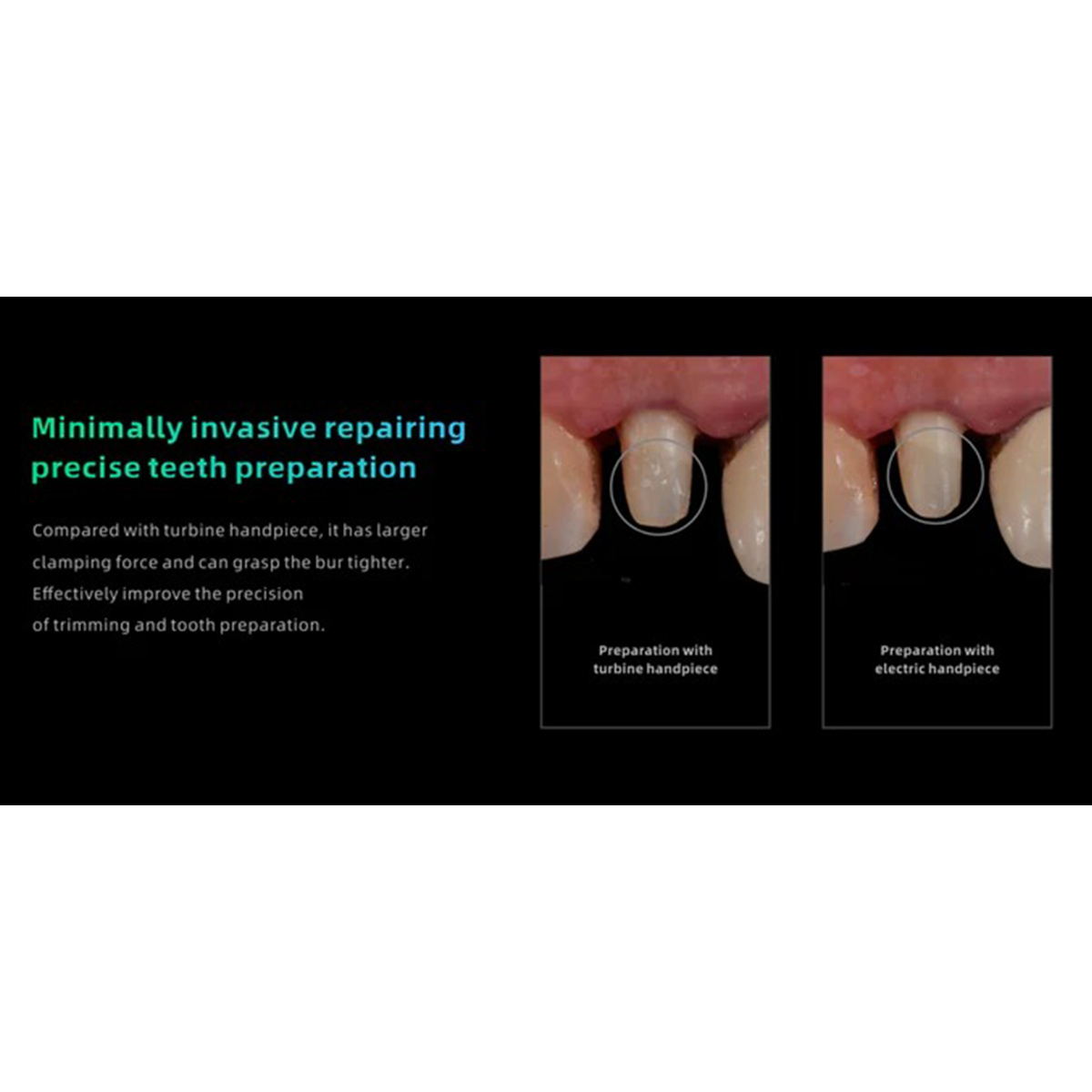
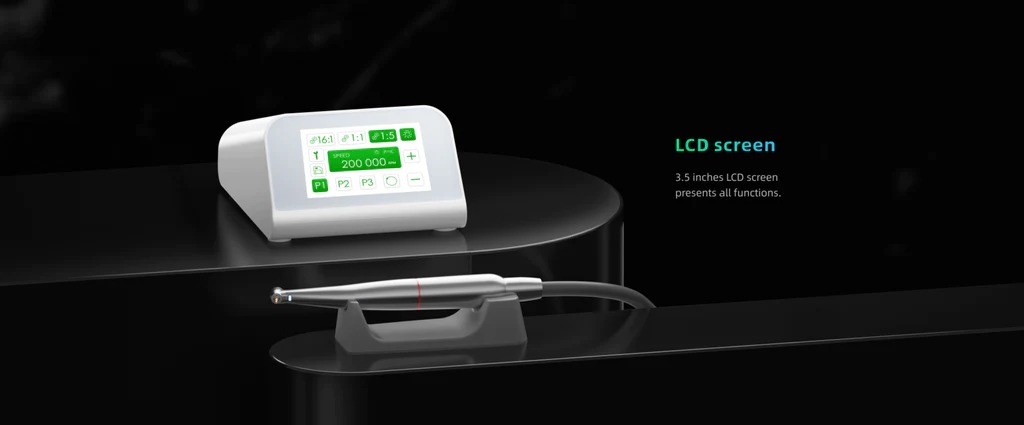
Woodpecker MT2 Dental Brushless Electric Motor with 1:5 LED Contra Angle Handpiece heralds a new era in dental technology, seamlessly merging precision engineering with cutting-edge features to deliver unparalleled performance. At its core lies the brushless electric motor, renowned for its seamless operation and unwavering torque output, granting dentists precise control over every procedure with unwavering accuracy. Teamed with the 1:5 LED Contra Angle Handpiece, this system provides enhanced stability and control, simplifying even the most intricate dental tasks. The integration of an LED light within the handpiece elevates visibility within the treatment area, casting a clear and precise illumination on the field. This enhanced visibility empowers dentists to navigate challenging clinical scenarios with confidence, resulting in superior treatment outcomes for their patients. Crafted with ergonomics in mind, both the motor and handpiece are lightweight and ergonomically designed to mitigate fatigue during prolonged procedures. Their sleek and compact construction further enhances maneuverability, allowing for precise movements and optimal access to the treatment site.

Moreover, the Woodpecker MT2 system boasts an internal water spray system, effectively cooling the treatment area and upholding a hygienic environment throughout procedures. This ensures patient comfort and safety, enhancing overall satisfaction and facilitating a smoother treatment experience. Ideal for contemporary dental practices seeking reliability, versatility, and superior results, the Woodpecker MT2 Dental Brushless Electric Motor with 1:5 LED Contra Angle Handpiece stands as a stalwart ally for dentists worldwide. Its fusion of advanced technology, precision engineering, and ergonomic design renders it an invaluable asset in any dental setting, reshaping the landscape of dental procedures and upholding the highest standards of patient care.

Key Specifications

Specification Of Main Unit

  • Model: MT2
  • Software version: MT2-V1.0.0
  • Size: 165.5mm×129.7mm×77.6mm

Specification Of Power

  • Power supply input: 100-240V~ 50/60Hz 1.5A Power supply output:
  • DC 30V 3.0A

Motor Specification

  • Model: E-MT
  • Rotation speed: 2000-40000 rpm; Voltage input: DC 24V
  • Size: Φ22×76.7mm
  • Tail cord length: 1.8m Spray water source:
  • Water pressure (2 bar ~ 5 bar), water flow > 50ml / min
  • Spray gas source: air pressure (2.5 bar ~ 5 bar), air flow > 1.5L / min

Use Environment:

  • Ambient temperature: +5℃ ~ +40℃
  • Relative humidity: 30% ~ 75%
  • Atmospheric pressure: 70kPa ~ 106kPa

Packaging

  • 1 x Main Unit
  • 1 x Motor with LED
  • 1 x 1:5 Contra-Angle with LED And German Bearing
  • 1 x Power Adapter

Direction to Use

Installation:

  • Place the main unit on a stable surface within reach of the dental chair.
  • Connect the power supply to the main unit and plug it into a power outlet.
  • Ensure the foot pedal of the dental chair is properly connected to the main unit.
  • Attach the 1:5 LED Contra Angle Handpiece to the motor unit securely.

Usage:

  • Ensure the power switch on the main unit is turned off before use.
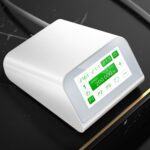
  • Position yourself facing the screen of the main unit for easy operation.
  • Turn on the power switch on the main unit and wait for the device to boot up.
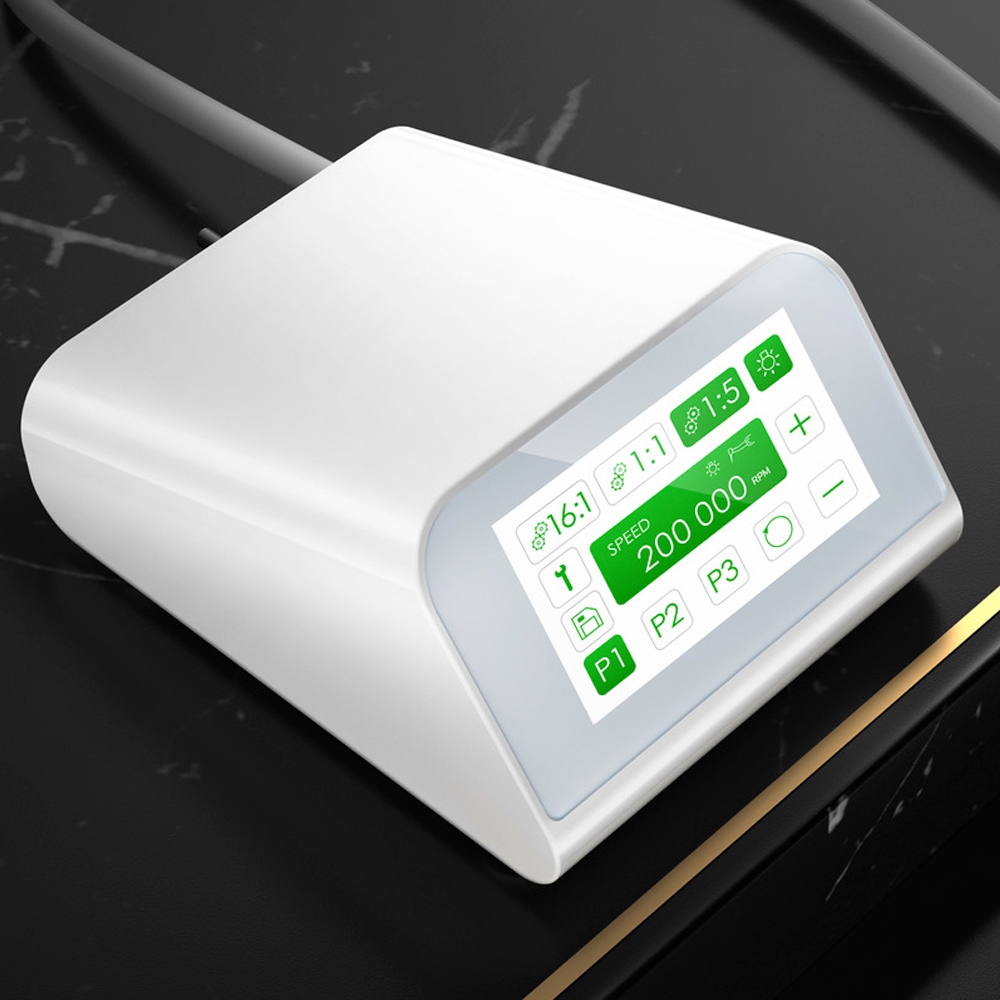
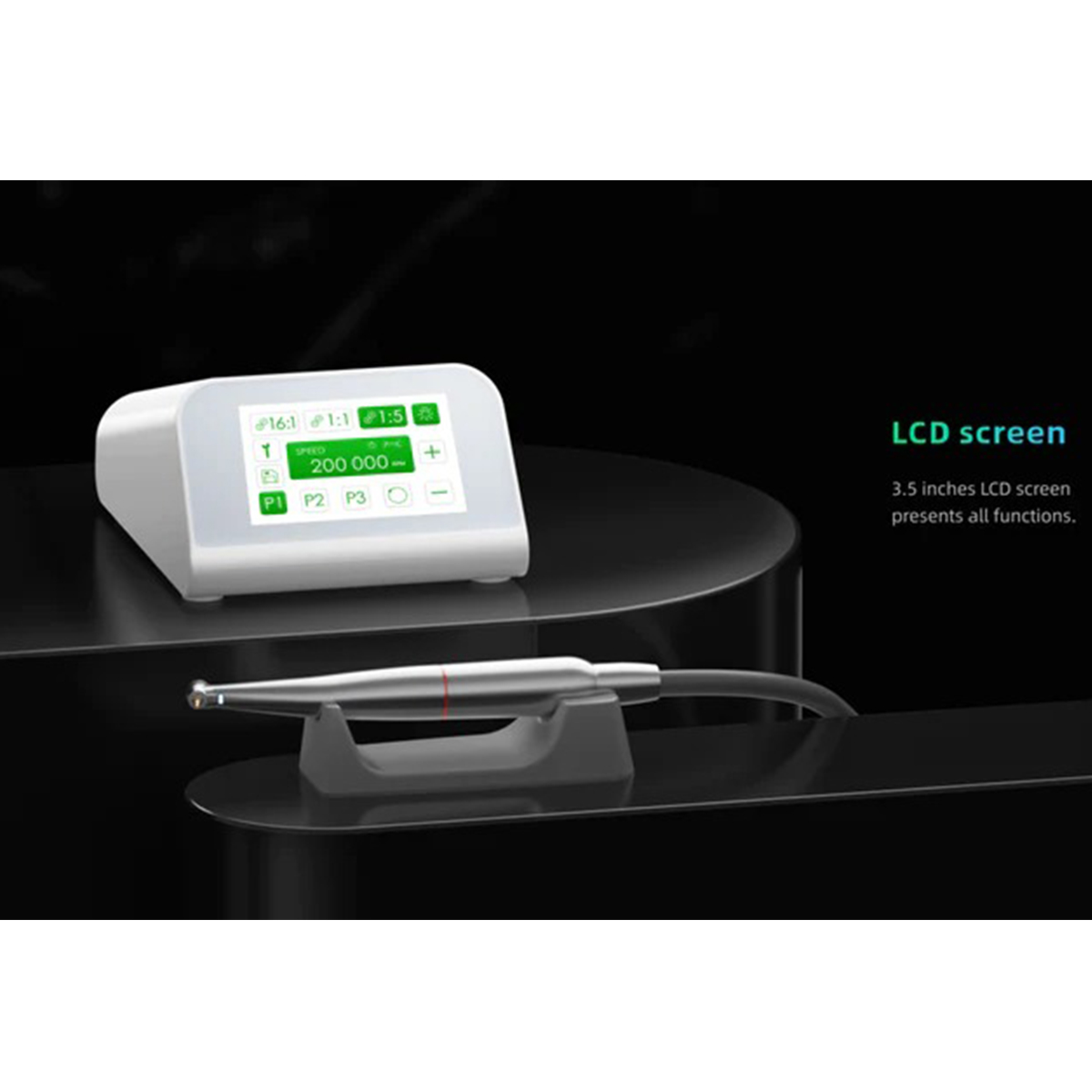
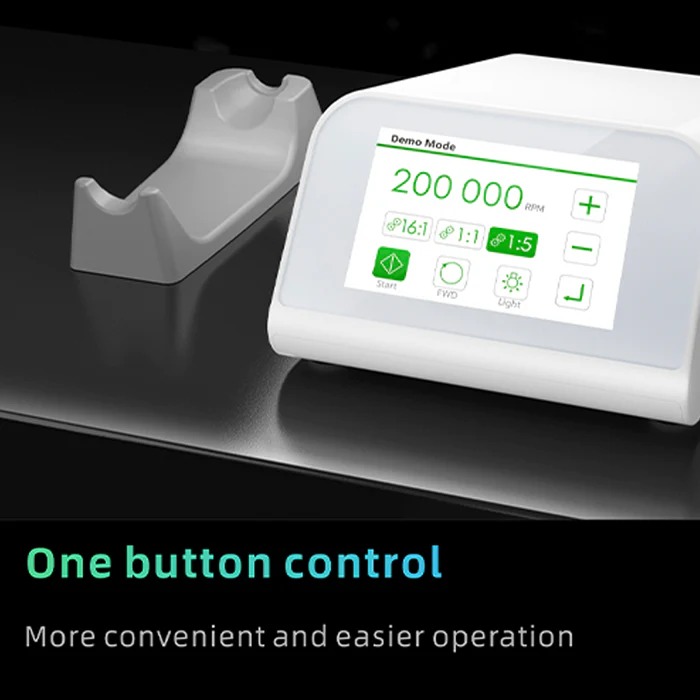
  • Select the appropriate speed ratio on the screen by touching the corresponding key (e.g., 1:5 for the 1:5 LED Contra Angle Handpiece).
  • Control the LED light by touching the designated key on the screen.
  • Adjust the speed of the motor using the “+” and “-” keys on the screen.
  • Choose the desired rotation direction (forward or reverse) by touching the respective key.
  • Select the working speed for the chosen mode by touching the corresponding key.
  • To store the settings, touch the designated key on the screen.
  • To enter the setting interface for further customization, touch the relevant key.
  • For manual mode operation, touch key “8” and follow the on-screen prompts to control the motor directly without using the foot pedal.
  • Calibration can be performed by touching key “9” in the setting interface and following the instructions displayed.
  • To restore factory settings, touch key “10” and confirm your decision.
  • Language selection can be made by touching the key “11” in the settings interface.
  • To exit the submenu setting mode, touch the key “12”.
Add your review

Your email address will not be published. Required fields are marked *

Reviews

There are no reviews yet.

Shopping Cart 0

No products in the cart.